Automation Unlocked
We're excited to introduce Fluent 1.6.0 – our greatest and latest update yet. This release keeps Fluent's responsiveness and ease of use, while adding one of the most powerful AI features available today – the MCP.
With MCP support now in Fluent, you can connect to nearly 7,000 available MCP servers. This number only reflects the servers in the Fluent catalog that we maintain. You also have the option to add MCPs manually, no limitations.
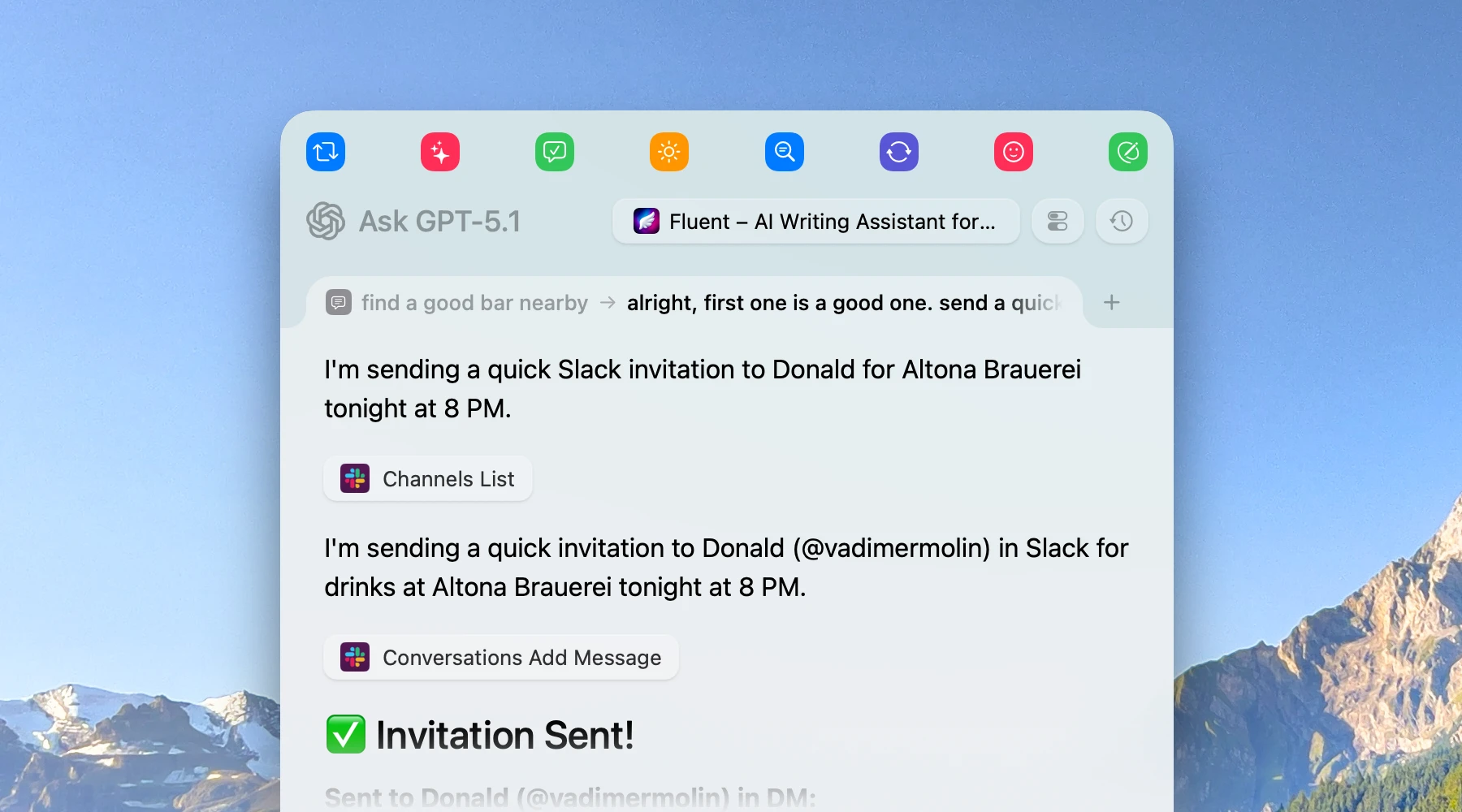
Integrate Fluent with popular platforms, like Slack, Gmail, Notion, Obsidian, and thousands of websites and apps, databases, developer tools. Actions you create can now naturally transform into fully-fledged task agents, and you don't have to do anything special for that. Just continue using natural language to describe what you want.
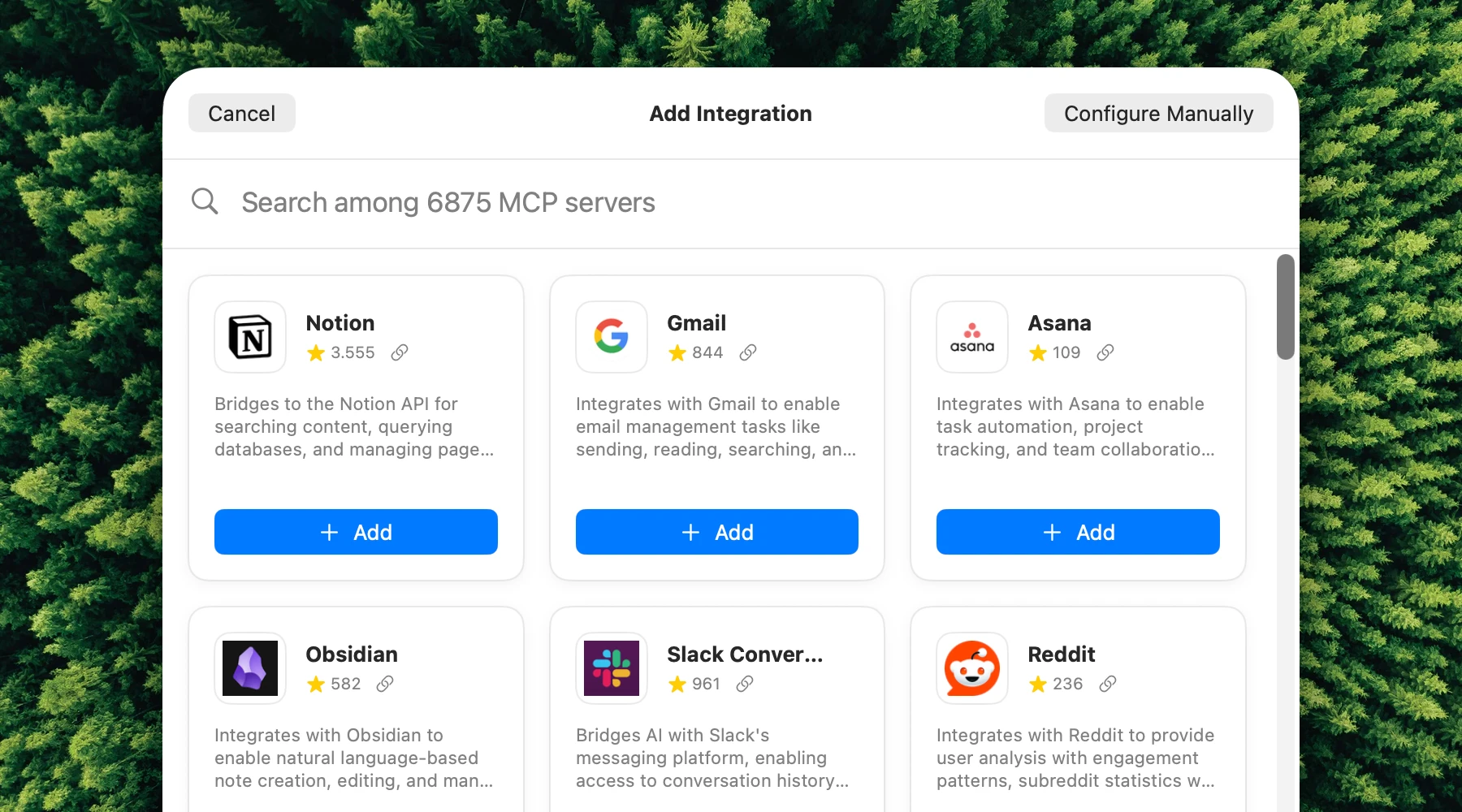
For the beginning, we brought 9 really powerful built-in, native MCPs into Fluent:
- Finder: Organize your files & folders, compress pictures, create boilerplates.
- Reminders: Manager your reminders from Fluent.
- Notes: Access and organize your thoughts.
- Calendar: Keep track of your schedule.
- Web Search: Pull live information from the web.
- Browser Automation: Control your browser with AI.
- YouTube: Get video transcript summarization.
- Shell: Execute terminal commands (use with caution!).
- Location: A helper for other MCPs to provide location-aware context.
More than that, built-in integrations support creating custom tools to help AI provide more predictable and consistent results. You can create a tool with a custom JavaScript AppleScript or Shell script that will execute upon a tool call. Think of these as micro-skills. They will vastly reduce amount of failures LLMs tend to make, and improve your productivity. We will continue enhancing the built-in integrations and adding new ones.
Scheduled Actions
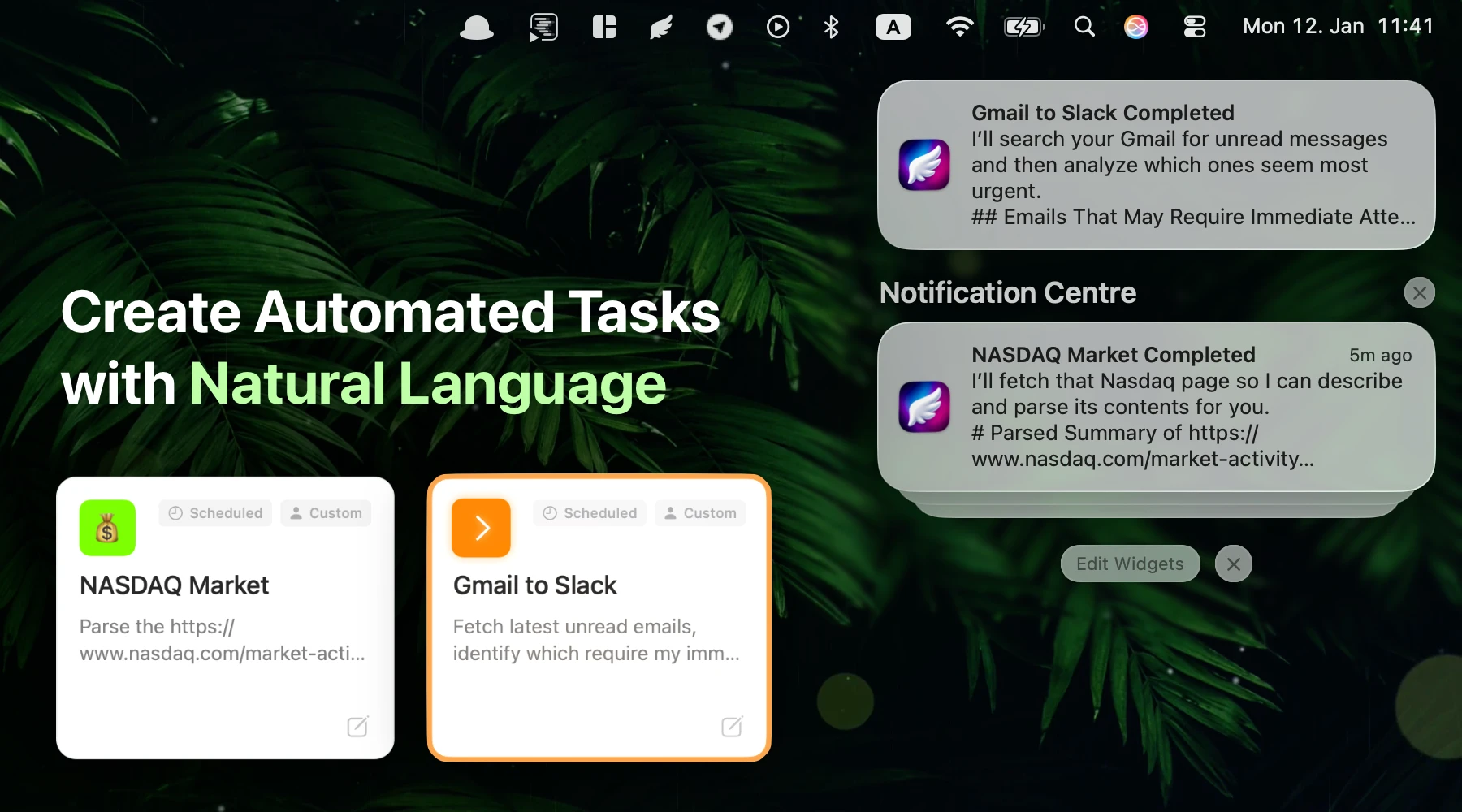
This is where AI & MCP meet together to truly empower your workflow. Create lightweight bots to scan your beloved #stonks, deploy agents scanning your Gmail for priority messages on a constant basis and send those into your messenger. You can even wire Fluent to Home Assistant MCP to flash your desk lamp when there is an important message coming in (crazy, we know). Creativity is your only boundary.
Other Improvements
- New Context Settings: Now hold previous core app and browser context features, organized for better clarity.
- New Languages: Added support for new languages in settings and variables.
- We've polished the UI for buttons and MCP tool badges to look even better.
Note: If you prefer the old look, there is a new option under Smart Panel > Visual Features > Simplified buttons where you can disable this improvement.
Fixes & Stability
We've squashed some bugs to ensure a smoother experience:
- Fixed grammar correction processing for some lower-tier Anthropic models.
- Fixed a bug for some lower-tier Anthropic and Grok models that led to incorrect JSON response extraction.
- Fixed a bug in Apple Intelligence that prevented it from translating to the target language under certain conditions.
- Fixed concurrency issues during rendering results in the Smart Panel.
Getting Started
Fluent 1.6.0 is available now. Existing users can update directly, and new users can download the app to experience the power of MCP on Mac.
Excited? Give it a try!
Download Fluent for FreeWhat’s Next
We will continue to improve the MCP implementation and overall design, and work on adding more built-in integrations to further enhance your AI workflows.
Stay tuned for more updates, and as always, we'd love to hear your feedback and feature requests in our Discord server.